大世界モード登場:すべての足跡が物語に残る
World Mode turns a solo story chat into a living multiplayer stage: one map, one event timeline, and one world that changes for everyone.
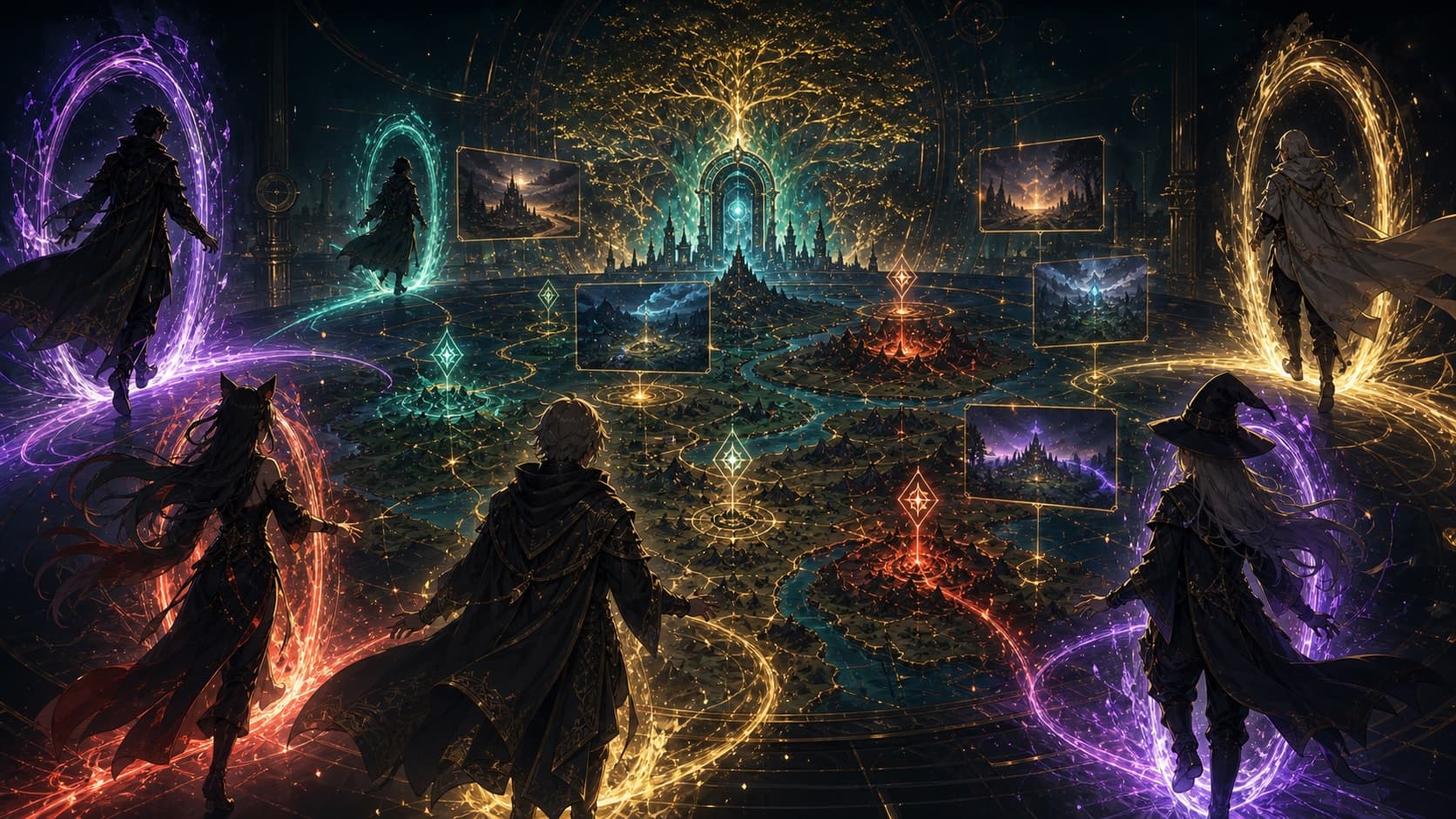
最初の共有ワールドへ
Open a story card, press World beside Continue and New, choose your role, and step into a shared story map with other players.
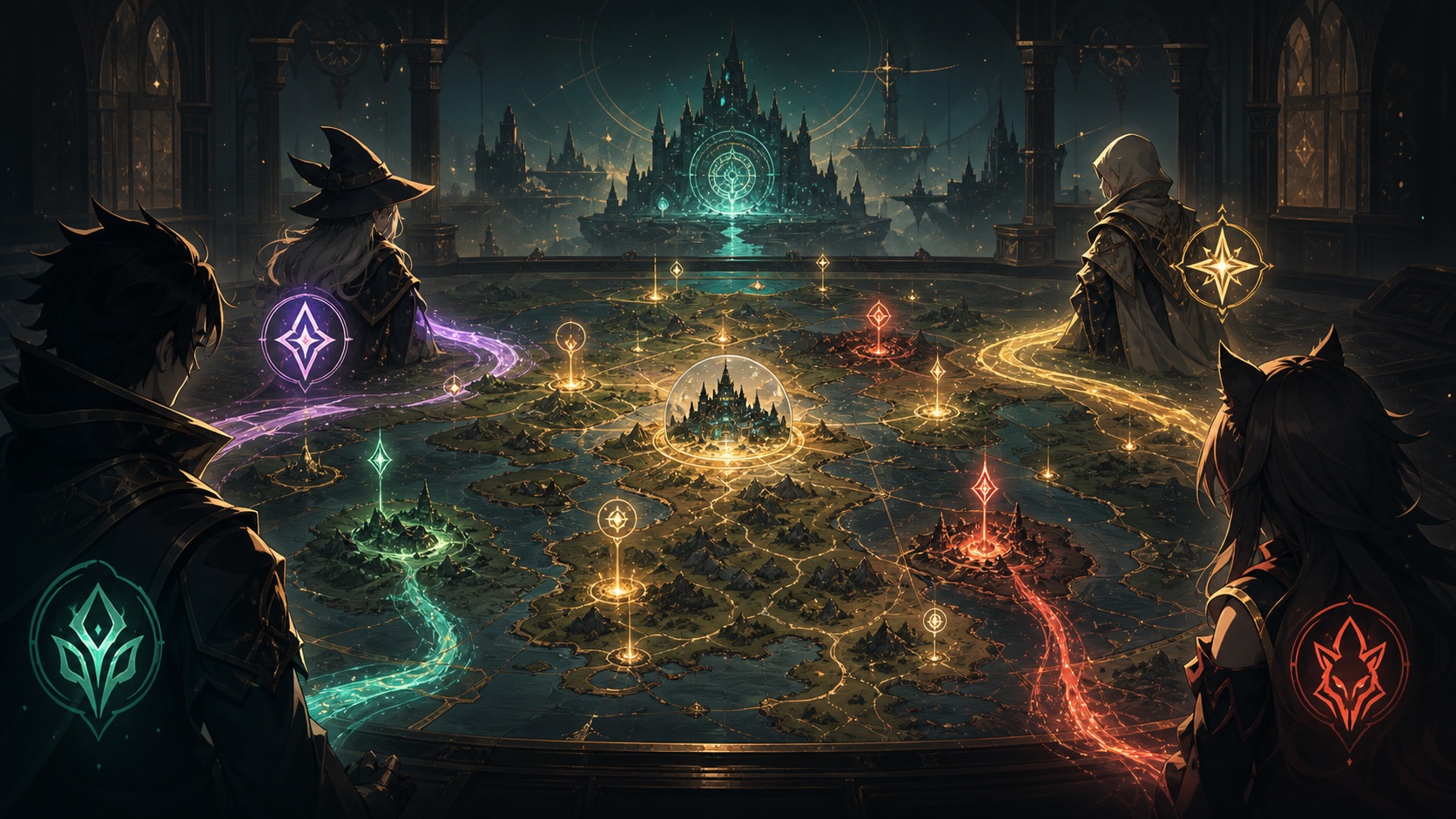
- Entry
- Story card footer: World
- Identity
- Chosen once on first entry
- Scene art
- Free, shared, system generated
A story can now belong to everyone
Solo story chat gives you a private timeline. World Mode opens that timeline into a map: one player finds a clue, another triggers an omen, and a third arrives after the world has already changed.
The entry still lives on the story card. The first time you enter, choose or create your role. That identity is locked so the shared world can keep names, memory, and consequences stable.
使い方:3ステップで開始
Open a story card, press World beside Continue and New, choose your role, and step into a shared story map with other players.
- Open a story card and press the World button in the footer.
- Pick an existing role or create a new character for this world.
- Enter the map; nearby actions can become events that other players discover.
Why identity is locked once
A shared world needs stable roles. Once a name, background, and viewpoint enter the map, nearby players may see the consequences.
Locking identity is not about shrinking imagination. It lets the world remember every action seriously.
Scene art is generated for free
When a new region appears, the system can generate shared scene art in the background at no player cost.
The chat keeps moving first. The world image arrives later and settles into the location naturally.